Assets module settings
There are several Assets settings that can be adjusted in your platform to match your agency's preferences.
The following settings can currently only be modified by the PSTrax team. To change, please contact us.
General alerts
General alerts can be set to notify crews of issues or announcements related to Assets (e.g. "Hose testing is next month", "Bring in LifePaks for calibration", etc.). They are set by clicking Set an Alert under Assets > Alerts in the navigation panel, or by clicking the Set Alert button at the top of the Alerts section on the home screen (when Assets alerts are selected).
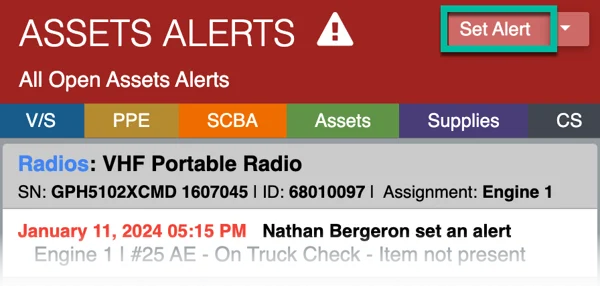
General alerts are not tied to a specific piece of equipment and can be seen by everyone. For that reason, only Assets Admin can set general alerts by default. However, that can be modified if you'd like all Assets Users to be able to set them.
Add custom fields to Assets alerts
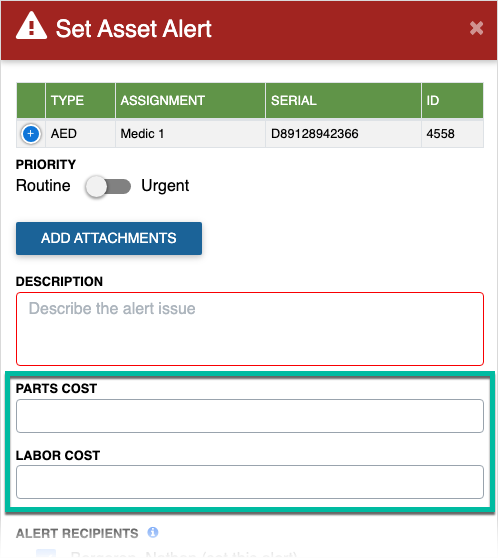
Up to three custom fields can be added to the Assets alerts, in addition to the default information (Priority, Description, and Cost). This is also useful for separating out parts and labor costs, reinforcing a policy ("I certify that I have notified my station Captain about this issue"), or gathering additional information for reporting or operational needs.
If you have any questions or need assistance, contact us at help@pstrax.com